Simulation Mode
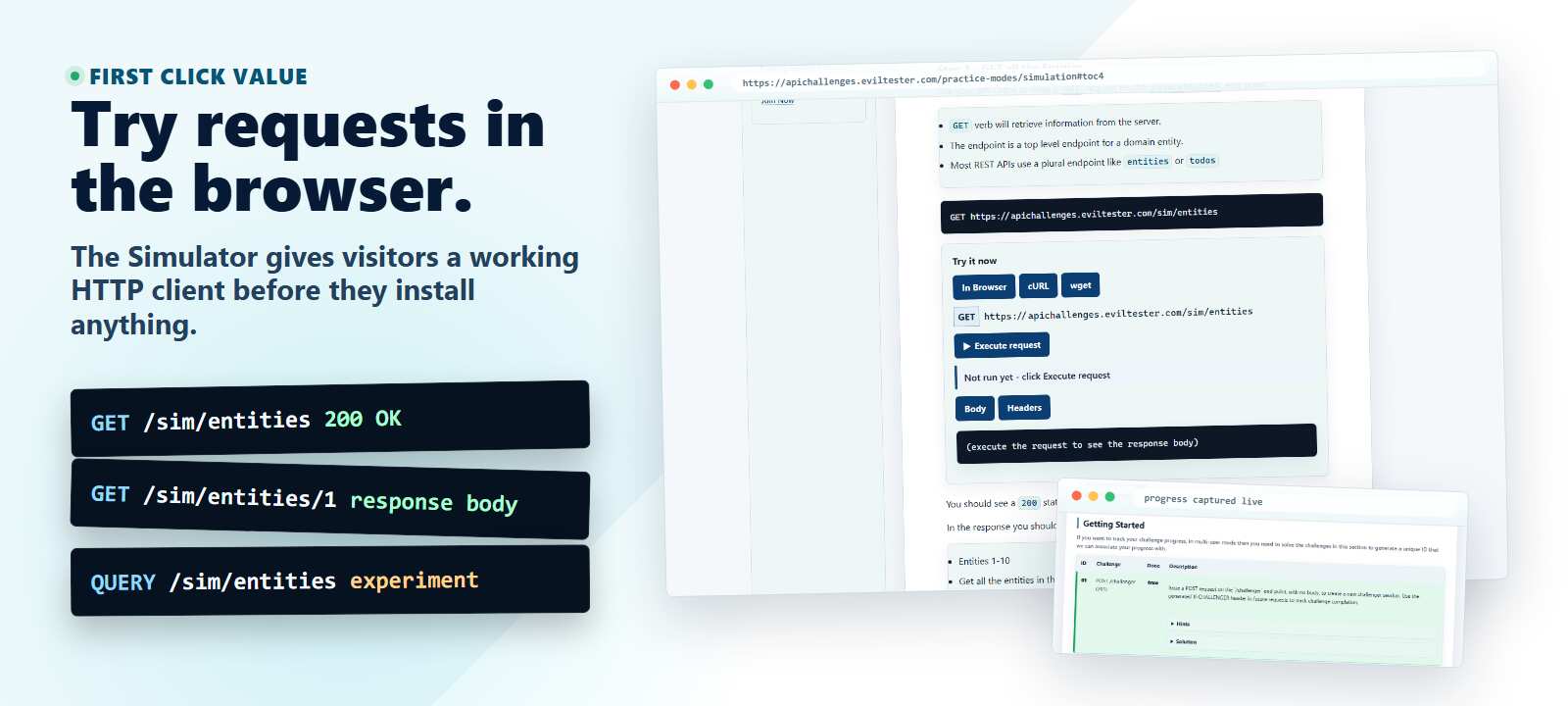
The API has a simulation mode, it uses hard coded data in responses, but tries to mimic some conditions.
Learning Path
Simulation Mode is the low-risk rehearsal API. The responses are predictable, so it works well immediately after the REST API Tutorial when you want to focus on request structure rather than data setup.
Use HTTP Basics when you want to interpret the raw message, HTTP Methods and Verbs when you want to understand why a method succeeds or fails, and How to Test REST APIs when you are ready to plan coverage. For stateful CRUD practice, move on to the Simple API, then use the API Challenge Solutions to compare your observations with worked examples.
Overview of Simulation Mode
About Simulation Mode
The API simulation mode, uses hard coded data for responses, but tries to mimic conditions e.g. JSON vs XML payloads.
The simulator is stateless and does not track your usage, making it deterministic for multiple users. Which means:
- Entities created do not show in the 'entities' call, but can be retrieved by a 'GET'
- Entities deleted do not show in the 'entities' and respond to a 404, but the delete for them will return a 200... you can only delete 'specific' entities, other entities will respond with a forbidden request.
- There are 'inconsistencies' but they are logical based on the needs of a stateless simulator. Use the actual API that underpins the challenges or the Simple API if you want a 'real' API.
How to Use
Work through the requests in sequence to achieve a fairly logical interaction.
- try different tooling, the only difference then will be the tool because the API is fairly forgiving and no-one else can interfere with your practice. Use it to learn the tools.
- try different automated execution approaches. The API is simple, there are only a few requests and sequences, so use it to learn a new automated execution tool. It won't change as you are automating, if something goes wrong then it is most likely some nuance of the tool.
This simulator is designed to make starting with API testing as simple as possible.
Suggested Request Sequence
Use this list as a quick map of the simulator flow.
- Get all the entities with
GET /sim/entities. - Get one entity with
GET /sim/entities/1. - Try a missing entity with
GET /sim/entities/13. - Create an entity with
POST /sim/entities. - Amend an entity with
POST /sim/entities/10. - Amend an entity with
PUT /sim/entities/10. - Delete an entity with
DELETE /sim/entities/9. - Check deletion with
GET /sim/entities/9. - Discover allowed methods with
OPTIONS /sim/entities. - Compare unsupported methods such as
DELETE /sim/entitiesandPATCH /sim/entities. - Compare
HEAD /sim/entitieswithGET /sim/entities.
You can use any REST Client to make these requests but if you want to follow the tutorial in detail with explanations then follow the interactive tutorial for hands-on practice with the API Simulator.
Automating Examples
The Simulator is a very simple set of endpoints to automate because it doesn't matter what order the tests run and the results are idempotent so they will always be the same.
I have created an example set of very simple Java @Test methods using RestAssured which automate the Simulator.
Simulator Automated Execution Coverage
Swagger OpenAPI File
You can open, download, or launch the API Simulator OpenAPI files in the online OpenAPI UI clients.
Versioned OpenAPI JSON files are also available:
OpenAPI 3.2 describes QUERY /sim/entities as a native method.
QUERY /sim/entities HTTP/1.1
Content-Type: application/x-www-form-urlencoded
Accept: application/json

id<3