API Challenges
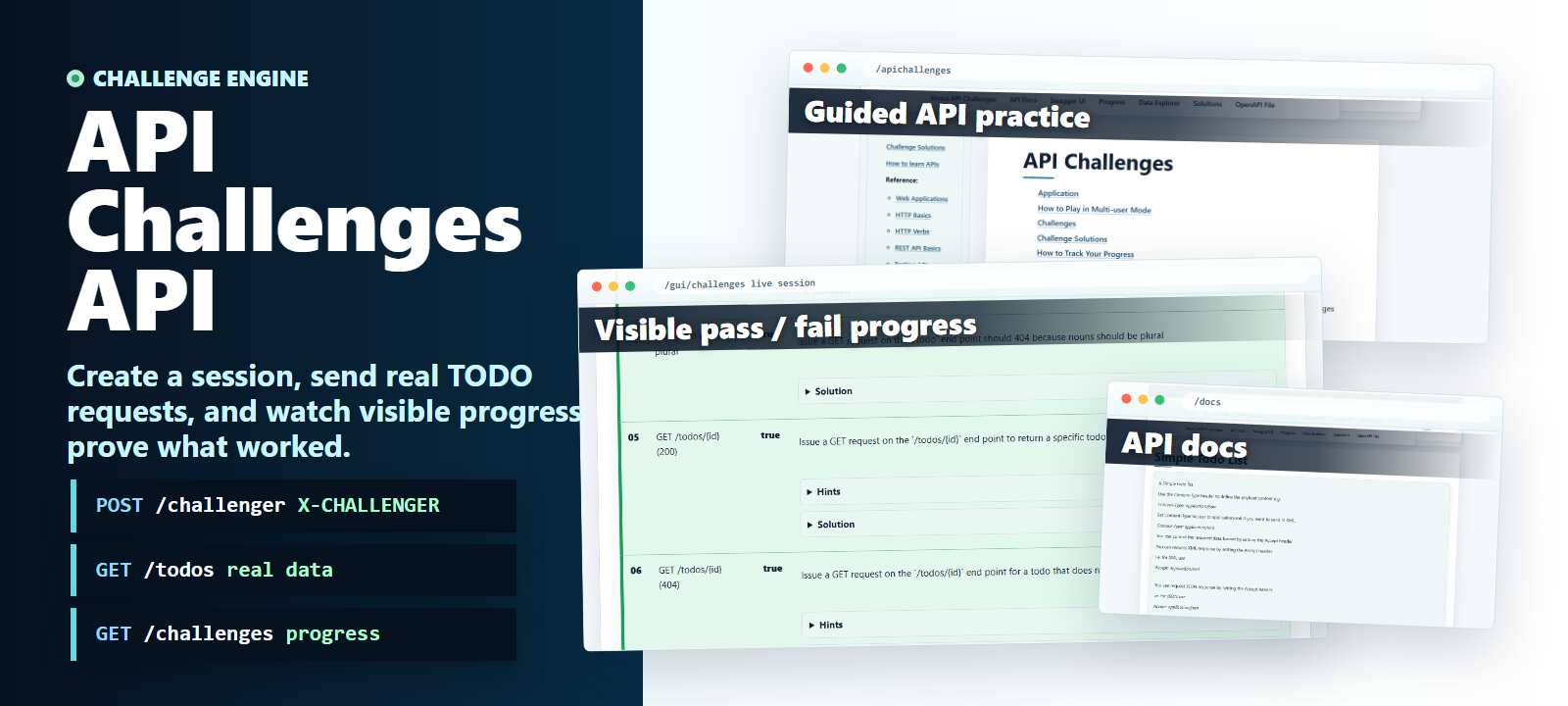
The API Challenges API is used for managing a To-Do list.
You need to authenticate to create a session in the system. This will create a unique API repository with basic test data. As you interact with the API there are a variety of challenges to complete e.g. Get all TODOs, Delete a Todo, etc.
Each challenge is designed to teach you some aspect of how APIs work, and how to test them.
The API has documentation available.
Learning Path
API Challenges is where the learning path becomes deliberate practice. If the terminology still feels new, use the REST API Tutorial first, then keep REST API Basics and HTTP Methods and Verbs open as references while you work.
For a gentler warm-up, practise request syntax in Simulation Mode, then try state changes in the Simple API. When you are ready to think like a tester, follow How to Test REST APIs, complete the challenges, and use the API Challenge Solutions to review specific outcomes.
A set of Challenges are available to guide you through the exploration and learning of the API. To complete each challenge you will have to explore a different aspect of API testing.
You can also view the data in the application without using the API. Using the Entities Explorer view.
Application
This application has been deployed to a cloud instance. It is also available to download and run locally.
When run in a cloud environment:
- the data clears itself every 10 minutes
- each user has a unique set of data to work with so no interference from other users
- you need to create an
X-CHALLENGERsession to track your progress on the challenges (more info)
In single user mode, you can use the API without needing any extra headers or configuration.
How to Play in Multi-user Mode
More information on how to play the challenges in multi-user mode i.e. apichallenges.eviltester.com can be found on the multi-user instructions page:
Challenges
The Challenges can be completed by issuing HTTP API requests.
e.g. GET https://apichallenges.com/api/todos would complete the challenge to "GET the list of todos"
You can also GET https://apichallenges.com/api/challenges to get the list of challenges and their status as an API call.
Challenge Solutions
You can find solutions to all of the challenges here:
How to Track Your Progress
The actual challenges page is available from the site menu:
To track your challenges and use the gamification tracking to view your progress you'll need to:
- create a challenger by issuing a
POSTrequest on the/api/challengerendpoint - the response will include an
X-CHALLENGERheader with a unique GUID - this GUID is the reference for an in-memory database in the API Challenges
- make requests to the API with the
X-CHALLENGERheader in the request headers - you can then create and amend data in the database using the API
- and your progress will be tracked in the system memory
Full details are included in the multi-user instructions. And in the information on the challenges list page.