The API Challenges Mirror Mode shows you the HTTP request that you sent to the API server, an easy way to see if your REST API tool is performing as instructed or did it amend your request in ways you didn't expect? Did it add extra headers, or worse, remove headers that you wanted to include?
Mirror Mode
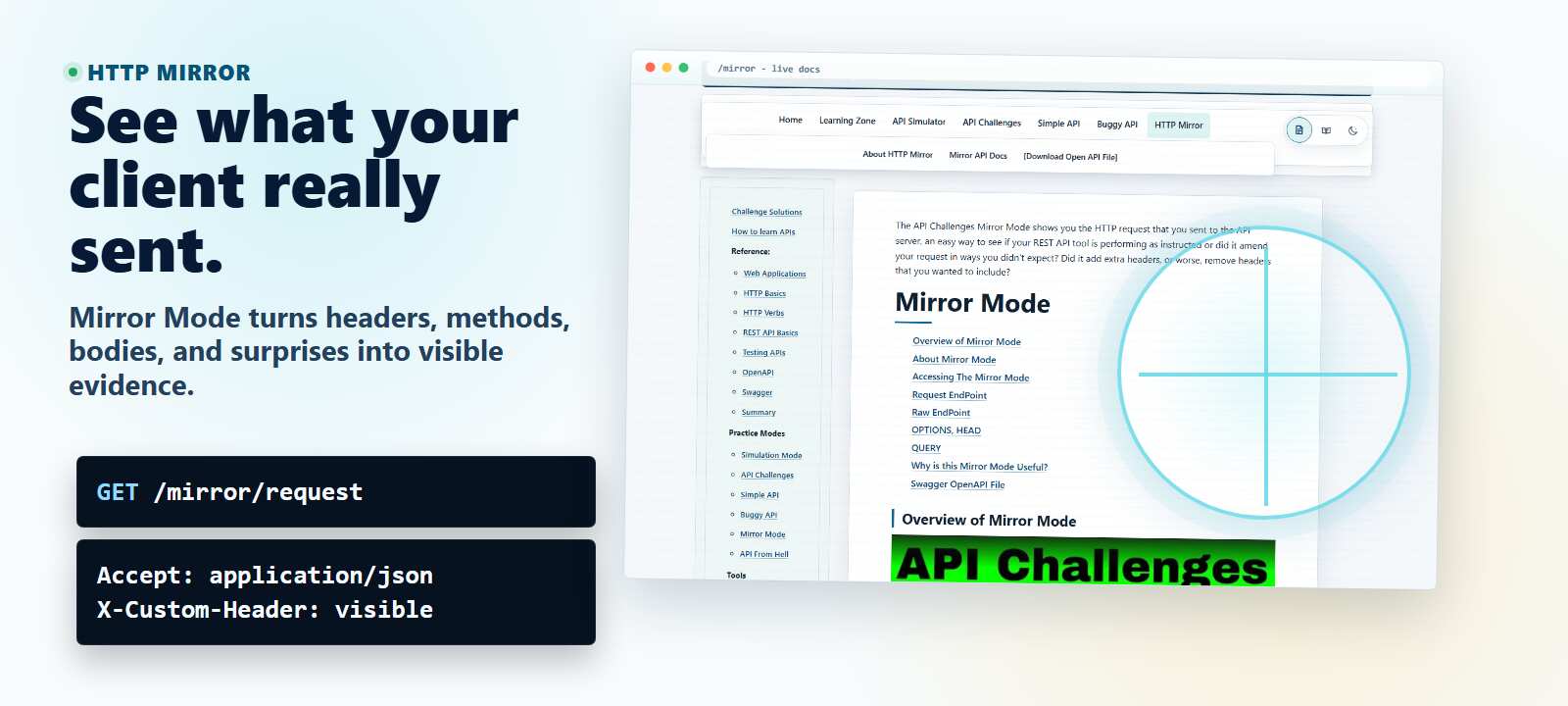
Overview of Mirror Mode
About Mirror Mode
The API has a mirror mode, this allows you to experiment with different verbs and configurations.
You will see, in your API tool, a response showing you the details of the request that you sent.
There are two mirror end points:
mirror/requestmirror/raw
The mirror/request end point will try to honour the accept: header in the response, so if you ask for application/json then the response will be json format.
The mirror/raw end point will always send the request back as raw text format.
This endpoint can be very useful for seeing what your HTTP Rest Client is sending to the server. You can spot any additional http headers that the client has added and see if the HTTP Client has combined any headers, or dropped any headers.
Mirror mode also supports QUERY, so you can check whether your client can send a safe request with a request body.
Accessing The Mirror Mode
To access the mirror mode on the public cloud make requests to:
- https://apichallenges.com/mirror/request
- https://apichallenges.com/mirror/raw
Request EndPoint
e.g. to use the request endpoint:
GET https://apichallenges.com/mirror/request
Will return 200... everything (almost) returns a 200.
The mirror/request endpoint will use the Accept header to format the response.
If you want the response in XML or JSON then add the relevant Accept header.
e.g.
GET /mirror/request HTTP/1.1
Accept: application/json
Content-Length: 0
Host: localhost:4567
Would return the response as json
HTTP/1.1 200 OK
Date: Sat, 17 Feb 2024 13:09:34 GMT
Content-Type: application/json
access-control-allow-origin: *
x-challenger: x-challenger-guid
access-control-allow-headers: *
Server: Jetty(9.4.12.v20180830)
Content-Length: 320

{
"details":"GET https://apichallenges.com/mirror/request
\n\nQuery Params\n==..."
}
Raw EndPoint
e.g. to use on the public cloud version of apichallenges:
GET https://apichallenges.com/mirror/raw
GET /mirror/raw HTTP/1.1
Accept: application/json
Content-Length: 0
Host: localhost:4567
Will return 200.
The mirror/raw endpoint will not use the Accept header to format the response and will always return a text representation.
HTTP/1.1 200 OK
Date: Sat, 17 Feb 2024 13:13:58 GMT
Content-Type: text/plain
access-control-allow-origin: *
x-challenger: x-challenger-guid
access-control-allow-headers: *
Server: Jetty(9.4.12.v20180830)
Content-Length: 276

GET https://apichallenges.com/mirror/raw

Query Params
============

IP
=======
127.0.0.1

Raw Headers
=======
Accept: application/json
Content-Length: 2
Host: apichallenges.com

Processed Headers
=======
host: localhost:4567
content-length: 2
accept: application/json

Body
====
OPTIONS, HEAD
Only options and head respond differently... because options and head should respond differently.
Useful for getting started and getting used to your tooling.
QUERY
Use QUERY when you want to see how your client sends request-body query content.
QUERY /mirror/raw HTTP/1.1
Content-Type: application/x-www-form-urlencoded
Accept: text/plain

doneStatus=true
Why is this Mirror Mode Useful?
The mirror mode is another way of seeing the 'true' request received.
You can configure most API tools to use a Proxy like BurpSuite or OwaspZAP and you will see the actual request that the tool sends.
You can also use the Insomnia Timeline to see the request.
In Postman you can use the Postman Console to see the requests.
The Mirror Mode shows you the request received by the server. When run on Localhost there are no intermediate systems so you can see what the tooling sends in the logs.
When run on apichallenges.eviltester.com you see that the Cloud environment adds additional headers in to the request.
Additionally the REST Client we use may add or amend headers.
Very often we are not aware of this level of amendment when testing and may not test for this.
The Mirror mode makes it clear that there are multiple systems involved in issuing a request and they can all pose a risk to the system or our testing. e.g. some REST Clients will not send duplicate headers: some will combine headers, some will pick the first (or last) header.
OpenAPI File Download Links
You can download a simple Swagger OpenAPI File for mirror mode.
This is our default openapi.json file which has standard validation and is in v3.1 format.
OpenAPI JSON files are available in specific OpenAPI versions.
We offer five different styles of each OpenAPI version:
- standard validation - the normal file for using the API as intended, with supported routes and the usual validation rules.
- strong schemas - keeps the normal API surface but adds more explicit schema detail for tools that benefit from stronger request and response shapes.
- operation parameters - keeps the normal schema style but repeats path parameters on each operation for tools that do not fully process path-level parameters.
- strong schemas + operation parameters - combines stronger schemas with operation-level path parameters.
- less validation - a more permissive testing file that relaxes constraints and documents more method/status possibilities.
We've created the different validation and parameter style files for v3.0, v3.1 and v3.2.
- OpenAPI v 3.0 JSON
- OpenAPI v 3.1 JSON
- OpenAPI v 3.2 JSON
About Mirror API's Normal OpenAPI File
The Normal OpenAPI File is the best starting point when you want to use the API as intended.
It lists the supported endpoints and includes the normal validation rules for parameters and payloads. When this file is loaded into a Swagger UI generation application it makes it easy to use the API, while still keeping the client inside the expected contract.
About Mirror API's Strong Schemas OpenAPI File
The Strong Schemas OpenAPI File keeps the same API surface as the normal file, but adds more explicit schema detail.
Use it when your tools make better choices from stronger request and response shapes, or when you want a stricter generated client or schema-aware test tool.
About Mirror API's Operation Parameters OpenAPI File
The Operation Parameters OpenAPI File keeps the normal schema style but repeats path parameters on each operation.
Use it with OpenAPI tools that do not fully process shared path-level parameters, or when generated client code is clearer with the parameters declared directly on each operation.
About Mirror API's Strong Schemas + Operation Parameters OpenAPI File
The Strong Schemas + Operation Parameters OpenAPI File combines the stronger schema detail with operation-level path parameters.
Use it when a tool benefits from both stricter schemas and operation-level path parameter declarations.
About Mirror API's Less Validation OpenAPI File
The Less Validation OpenAPI File is intended for testing.
It relaxes parameter constraints and documents more method/status possibilities, including methods that are not available for normal use.
This makes it possible to use Swagger UI applications to test more extreme situations because the client is less likely to block the request before it reaches the server.